Paddlez 測試檢查表
Paddle Zelos — functional test checklist for team testers
怎麼用這份檢查表 · How to use this
1. 用開發登入切換角色:
1. Switch role with the dev sign-in URL above.
2. 每一節的「UI > 預覽示意圖」點開,就是那一節要測的畫面,裡面第一行寫著它在哪裡、用哪個角色截的。Open 「UI > 預覽示意圖」 in a section to see the screen it tests; the first line inside says where it lives and which role it was shot as.
3. 應被拒絕 的項目代表「打不開才是對的」。Lines marked must be refused PASS when the action is blocked.
4. 測完按「匯出結果」,把下載的 JSON 回傳。When done, export the JSON and send it back.
1. 用開發登入切換角色:
http://localhost:3004/dev/as/<role>(role = super_admin / admin / coach / cf_manager / member)1. Switch role with the dev sign-in URL above.
2. 每一節的「UI > 預覽示意圖」點開,就是那一節要測的畫面,裡面第一行寫著它在哪裡、用哪個角色截的。Open 「UI > 預覽示意圖」 in a section to see the screen it tests; the first line inside says where it lives and which role it was shot as.
3. 應被拒絕 的項目代表「打不開才是對的」。Lines marked must be refused PASS when the action is blocked.
4. 測完按「匯出結果」,把下載的 JSON 回傳。When done, export the JSON and send it back.
自 2026-08-01 以來的變動 · What changed since 2026-08-01
新增或修改 0 項 · 沿用你上次結果 0 項 · 移除 227 項
0 new or changed · 0 carried over from your last run · 227 removed
每一項都有自己的固定編號,所以改版不會弄亂你已經測過的結果——只有真正改動的項目要重測。Each item has a stable id, so a new version never scrambles what you already answered; only genuinely changed items need re-testing.
新增或修改 0 項 · 沿用你上次結果 0 項 · 移除 227 項
0 new or changed · 0 carried over from your last run · 227 removed
每一項都有自己的固定編號,所以改版不會弄亂你已經測過的結果——只有真正改動的項目要重測。Each item has a stable id, so a new version never scrambles what you already answered; only genuinely changed items need re-testing.
測試帳號 Test as: 管理員 / Dev nonsense ·
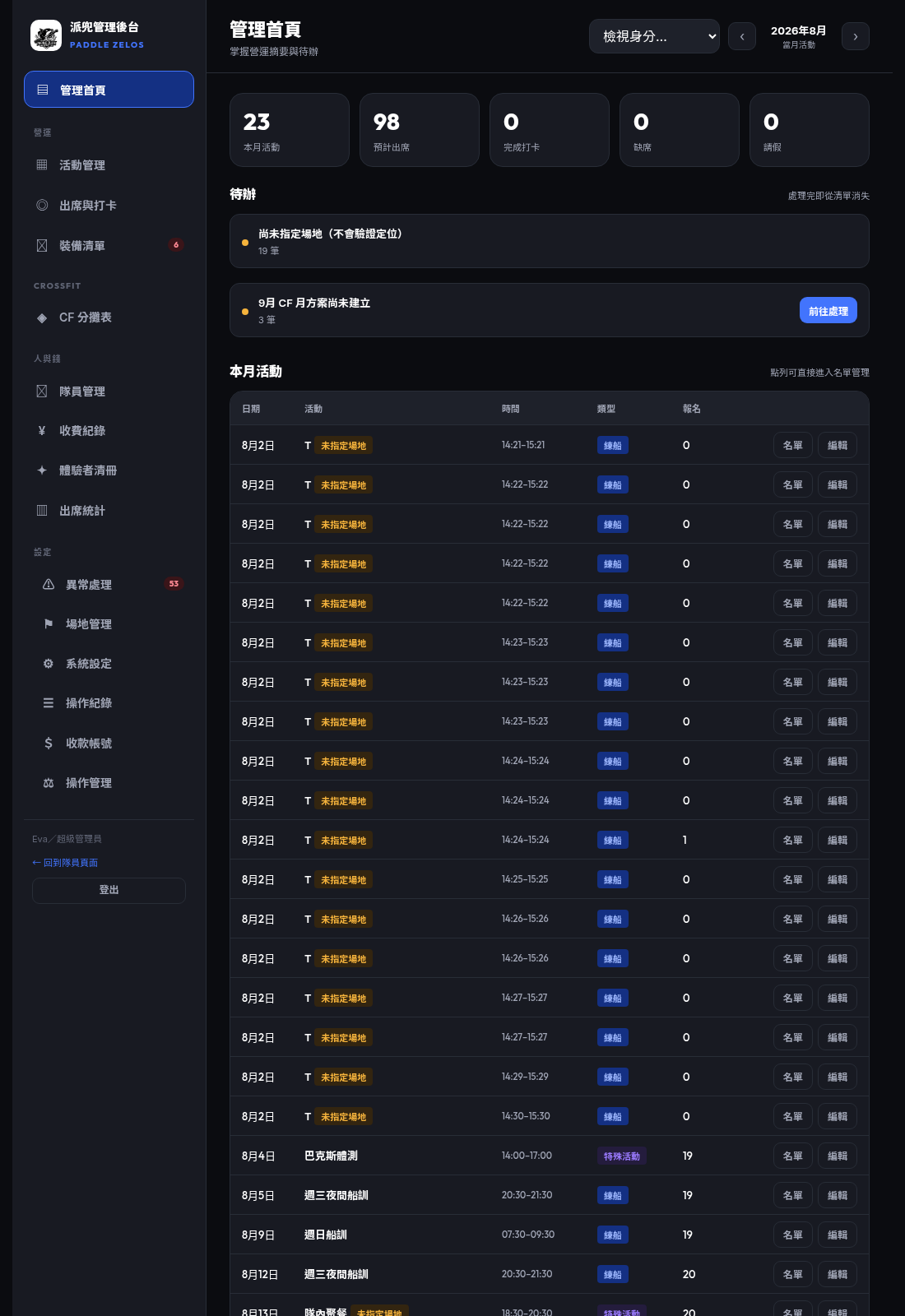
/dev/as/super_admin管理首頁 DashboardAdmin dashboard
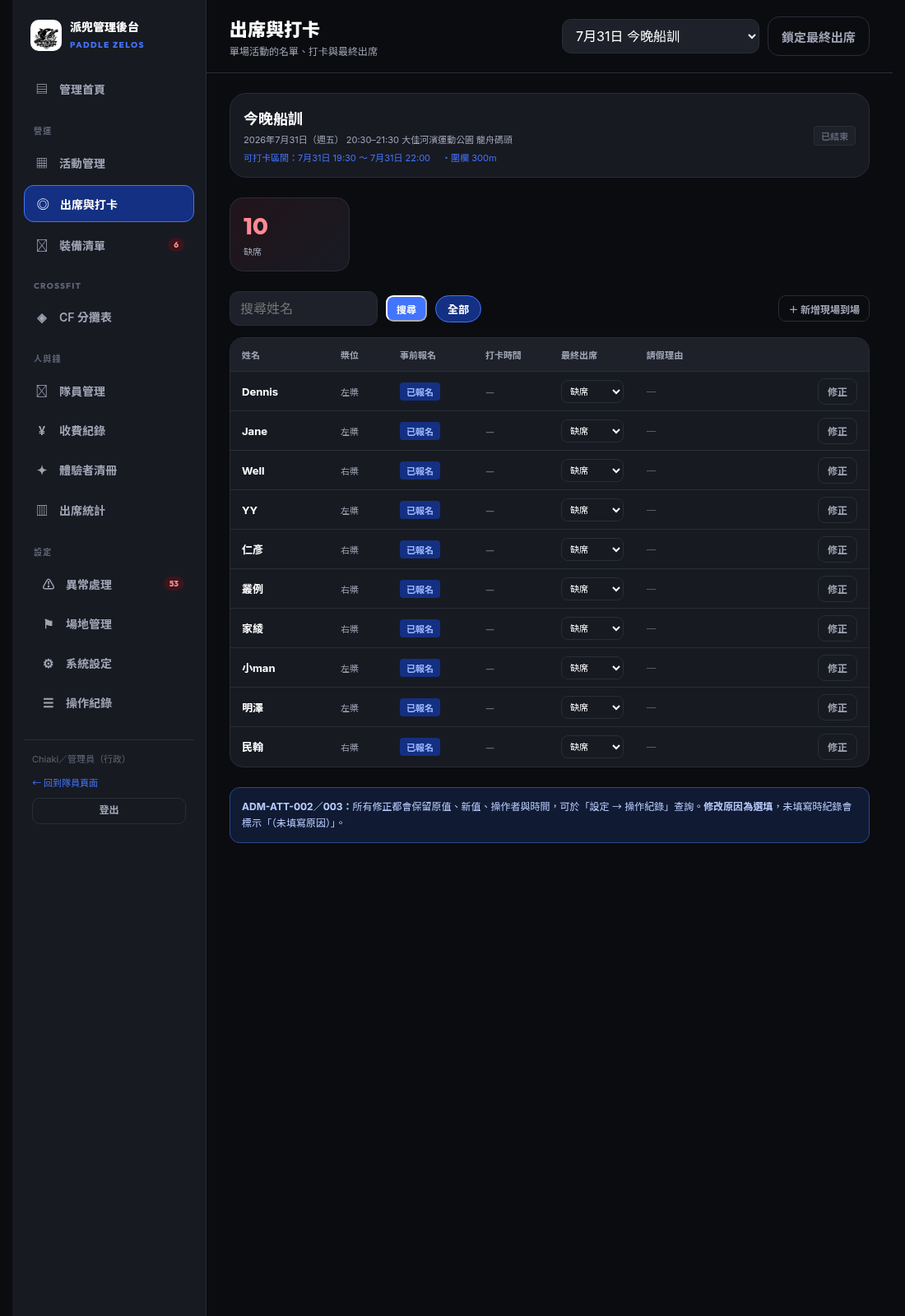
UI > 預覽示意圖(管理首頁)· 點開看畫面 tap to view
管理後台 > 管理首頁 · /admin (以 super_admin 身分截圖 · shot as super_admin)
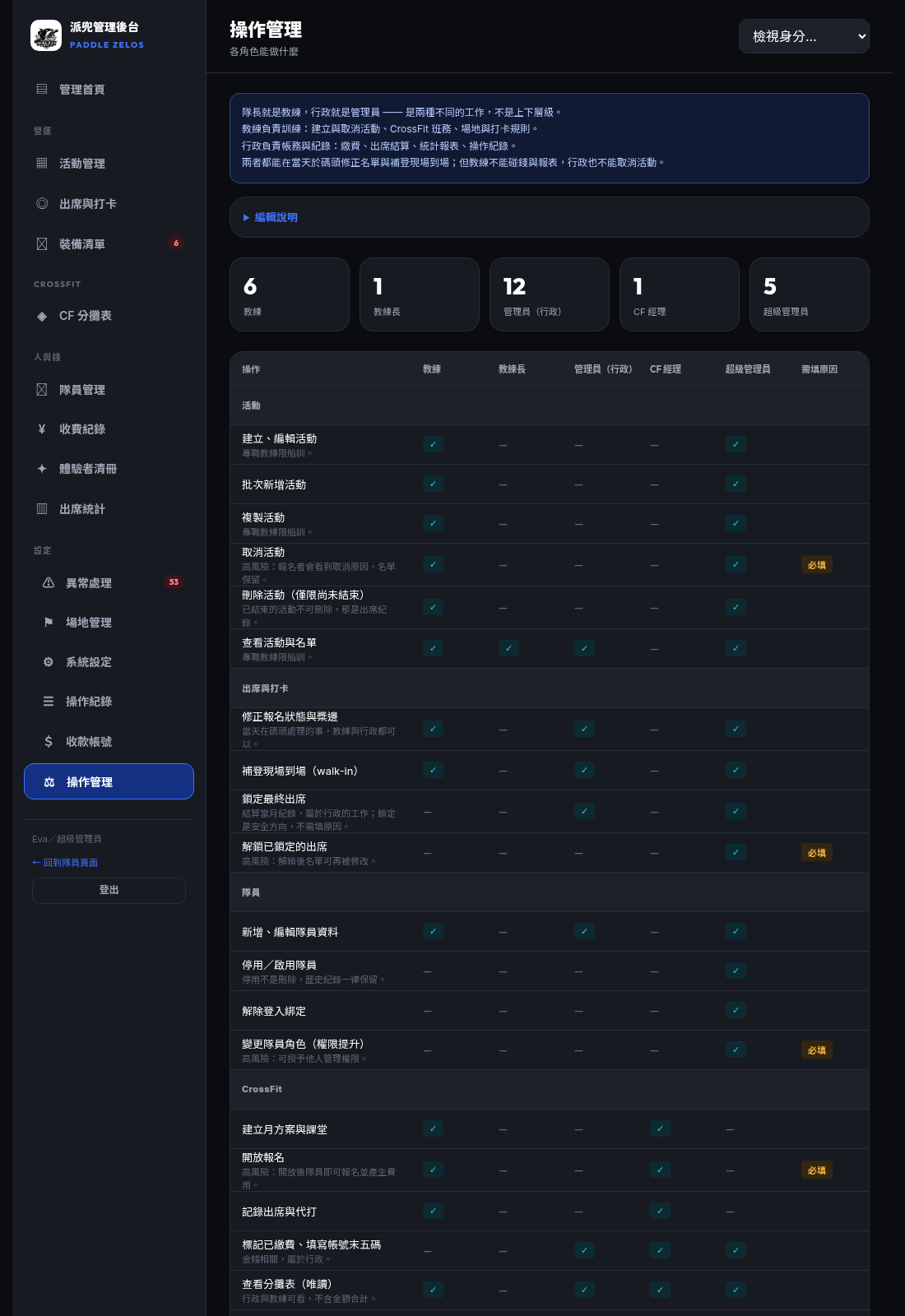
操作管理 Operations matrixOperations matrix
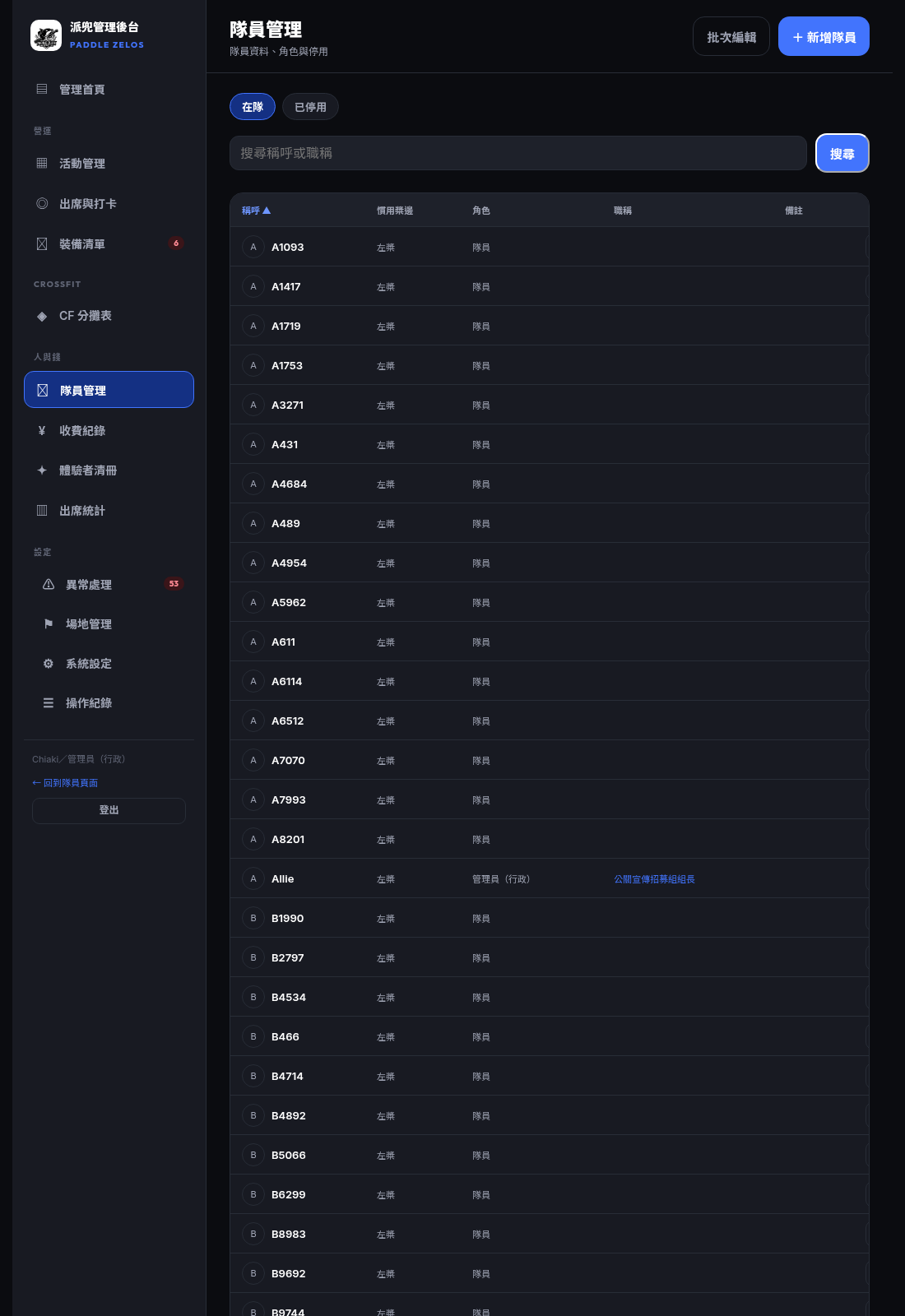
UI > 預覽示意圖(操作管理)· 點開看畫面 tap to view
管理後台 > 更多 > 操作管理 · /admin/operations (以 super_admin 身分截圖 · shot as super_admin)
角色與權限 RolesRoles & permissions
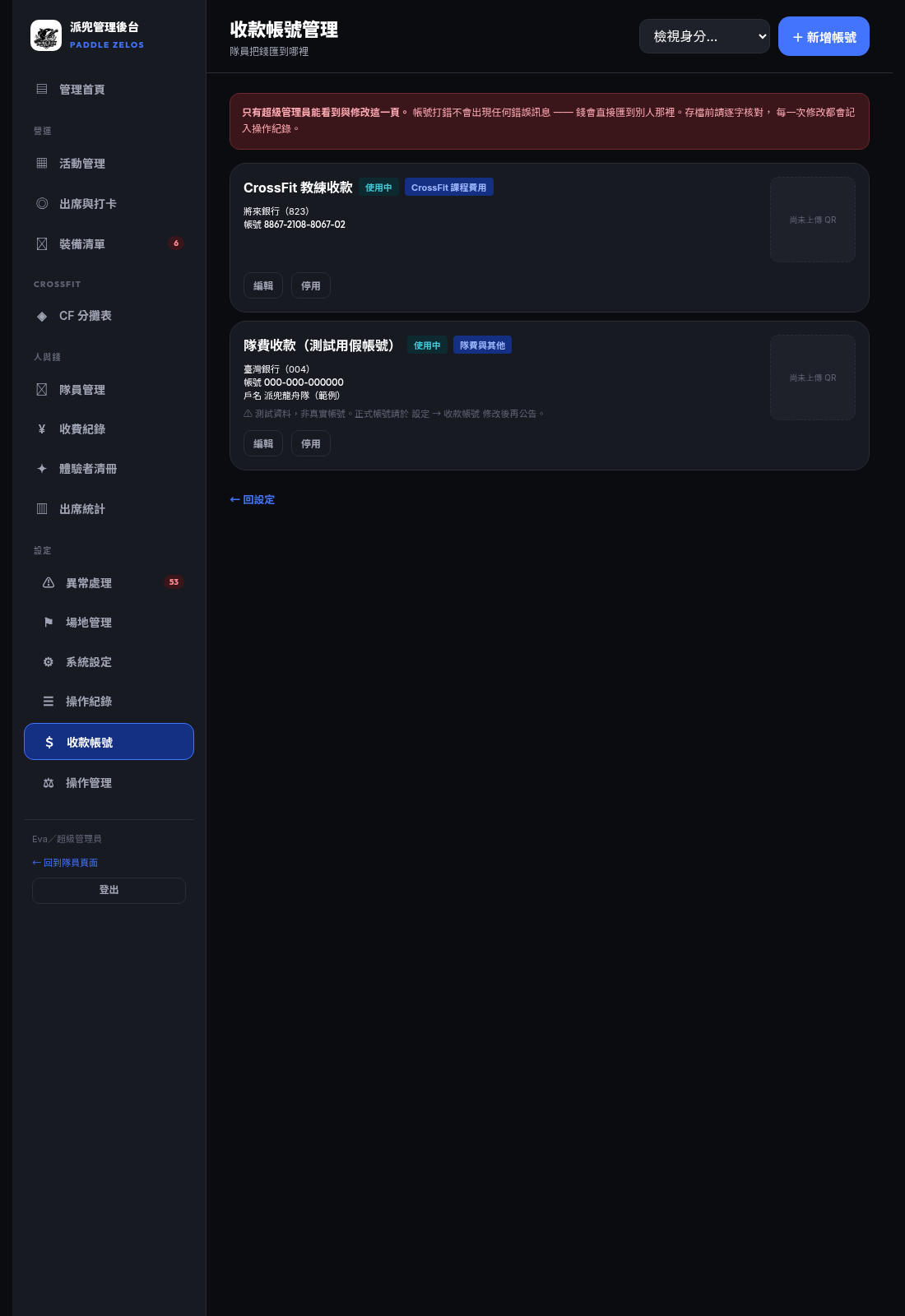
只有超級管理員能做的事Owner-level operations
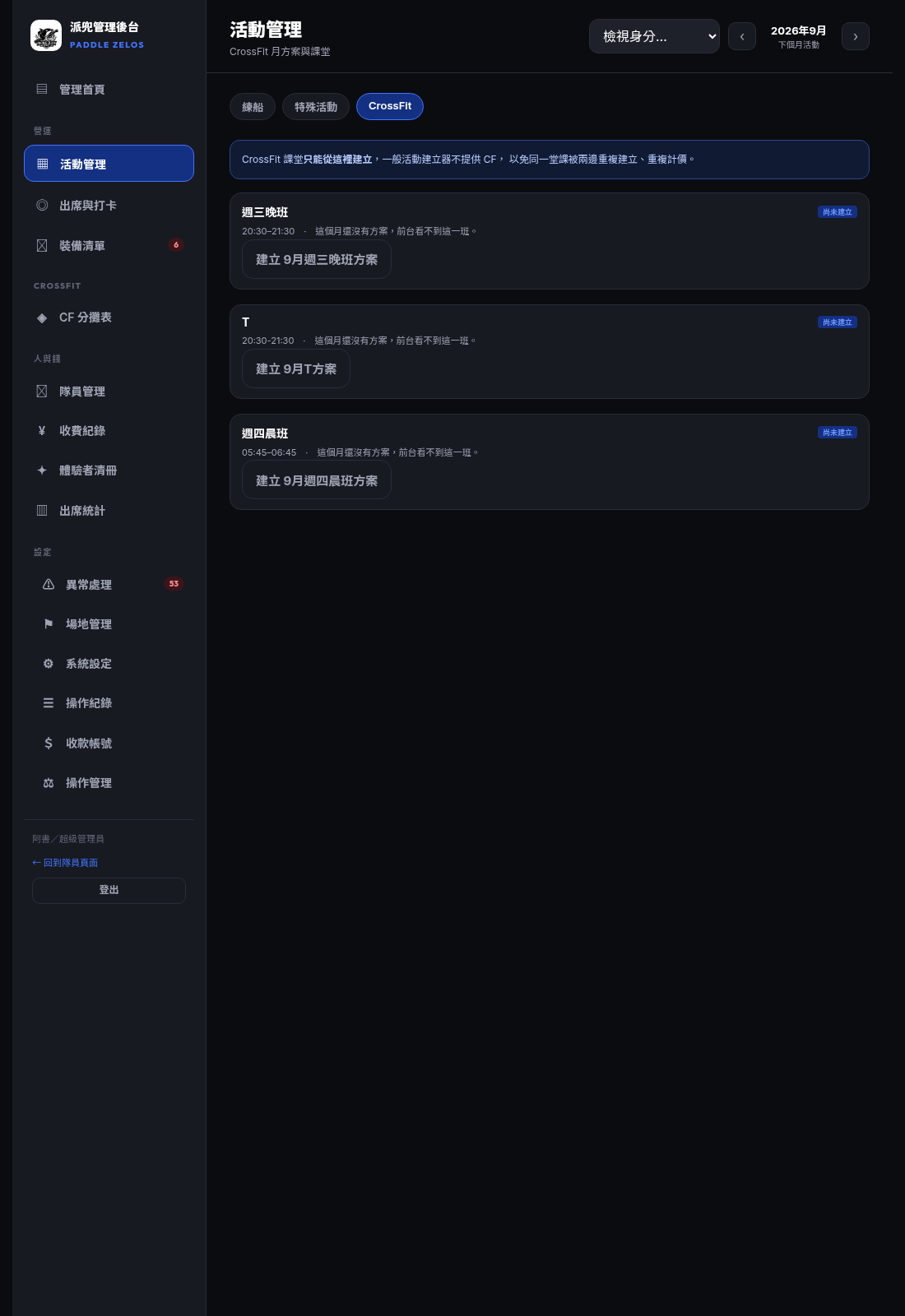
UI > 預覽示意圖(收款帳號管理)· 點開看畫面 tap to view
管理後台 > 更多 > 收款帳號管理 · /admin/payee_accounts (以 super_admin 身分截圖 · shot as super_admin)
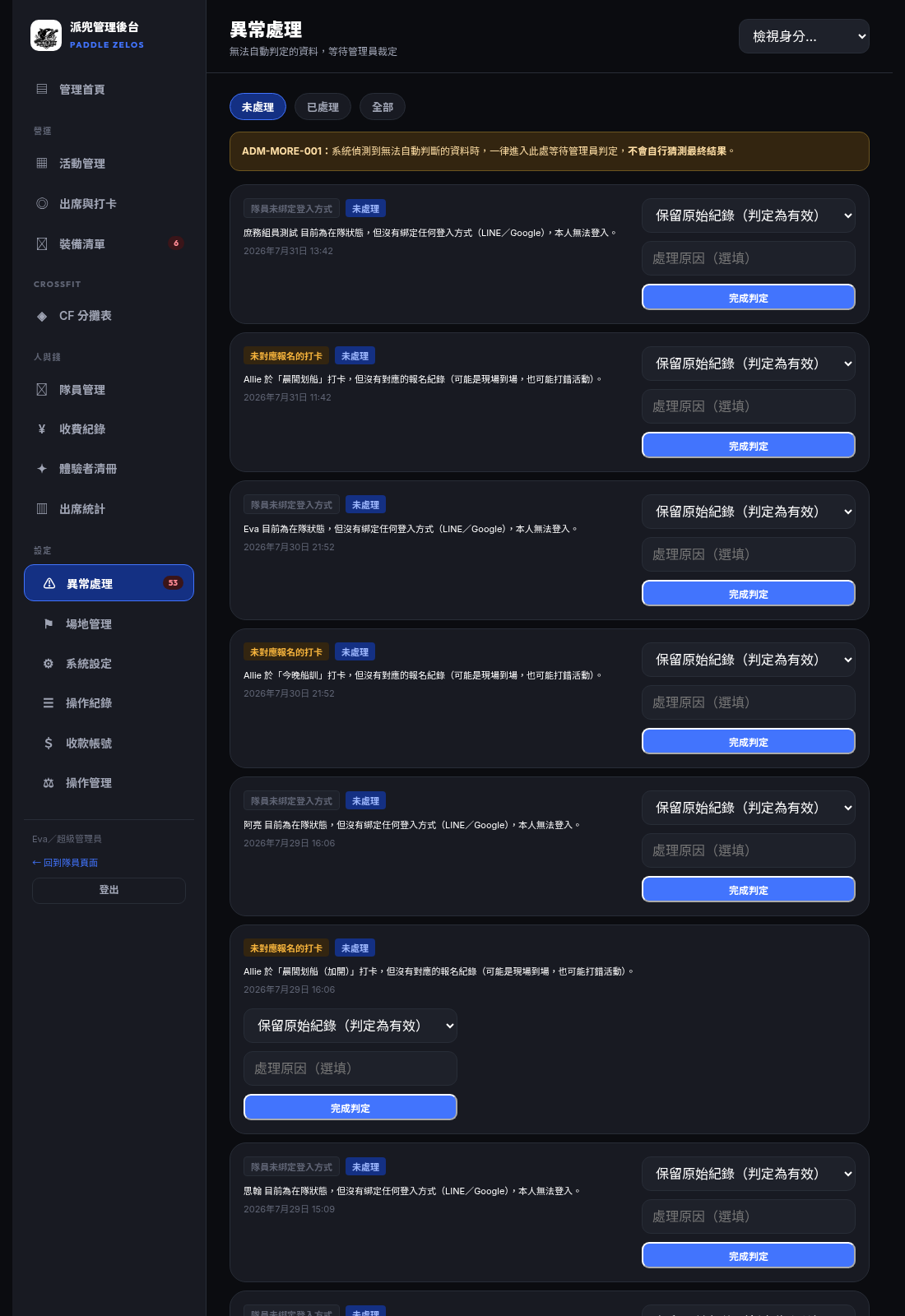
更多 / 異常資料中心More / anomaly centre
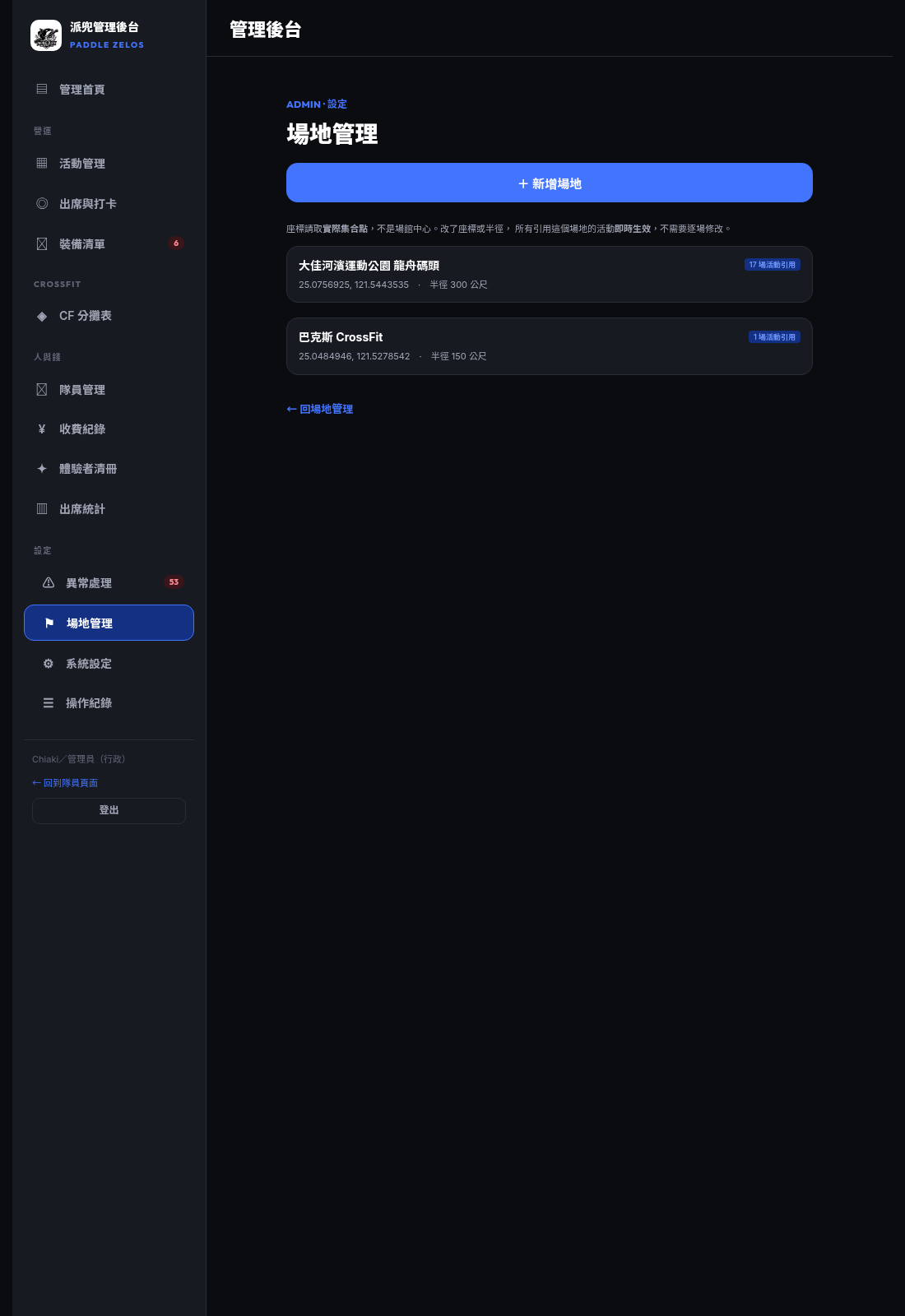
UI > 預覽示意圖(更多)· 點開看畫面 tap to view
管理後台 > 更多 · /admin/settings (以 super_admin 身分截圖 · shot as super_admin)
權限對照表(由程式計算)Permission matrix — computed from the app, not hand-written
| 操作 Operation | 教練 | 專職教練 | 行政 | CF 經理 | 超管 | 需填原因 |
|---|---|---|---|---|---|---|
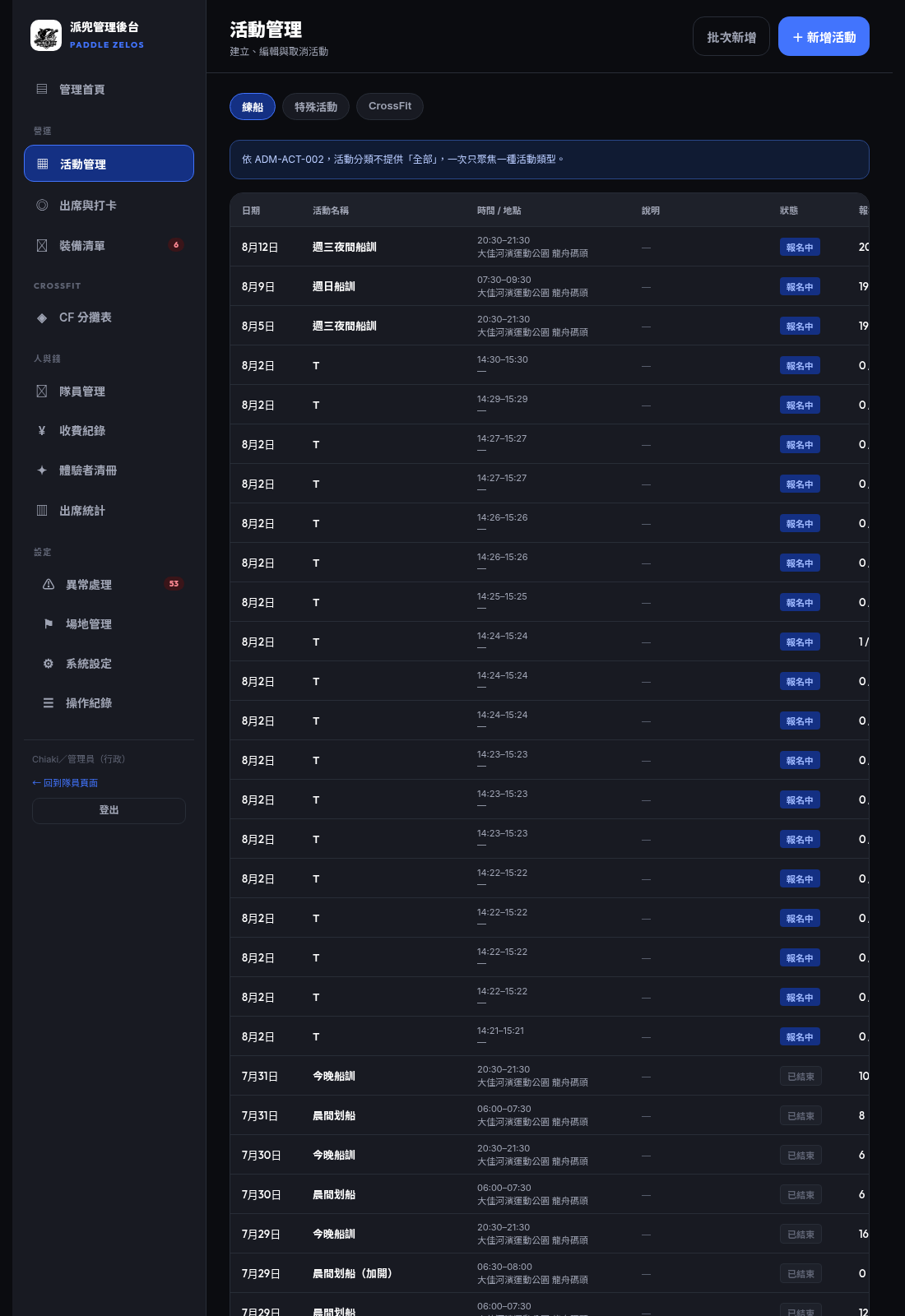
| 建立、編輯活動 專職教練限船訓。 | ✓ | — | — | — | ✓ | — |
| 批次新增活動 | ✓ | — | — | — | ✓ | — |
| 複製活動 專職教練限船訓。 | ✓ | — | — | — | ✓ | — |
| 取消活動 高風險:報名者會看到取消原因,名單保留。 | ✓ | — | — | — | ✓ | 必填 |
| 刪除活動(僅限尚未結束) 已結束的活動不可刪除,那是出席紀錄。 | ✓ | — | — | — | ✓ | — |
| 查看活動與名單 專職教練限船訓。 | ✓ | ✓ | ✓ | — | ✓ | — |
| 修正報名狀態與槳邊 當天在碼頭處理的事,教練與行政都可以。 | ✓ | — | ✓ | — | ✓ | — |
| 補登現場到場(walk-in) | ✓ | — | ✓ | — | ✓ | — |
| 鎖定最終出席 結算當月紀錄,屬於行政的工作;鎖定是安全方向,不需填原因。 | — | — | ✓ | — | ✓ | — |
| 解鎖已鎖定的出席 高風險:解鎖後名單可再被修改。 | — | — | — | — | ✓ | 必填 |
| 新增、編輯隊員資料 | ✓ | — | ✓ | — | ✓ | — |
| 停用/啟用隊員 停用不是刪除,歷史紀錄一律保留。 | — | — | — | — | ✓ | — |
| 解除登入綁定 | — | — | — | — | ✓ | — |
| 變更隊員角色(權限提升) 高風險:可授予他人管理權限。 | — | — | — | — | ✓ | 必填 |
| 建立月方案與課堂 | ✓ | — | — | ✓ | ✓ | — |
| 開放報名 高風險:開放後隊員即可報名並產生費用。 | ✓ | — | — | ✓ | ✓ | 必填 |
| 記錄出席與代打 | ✓ | — | — | ✓ | ✓ | — |
| 標記已繳費、填寫帳號末五碼 金錢相關,屬於行政。 | — | — | ✓ | ✓ | ✓ | — |
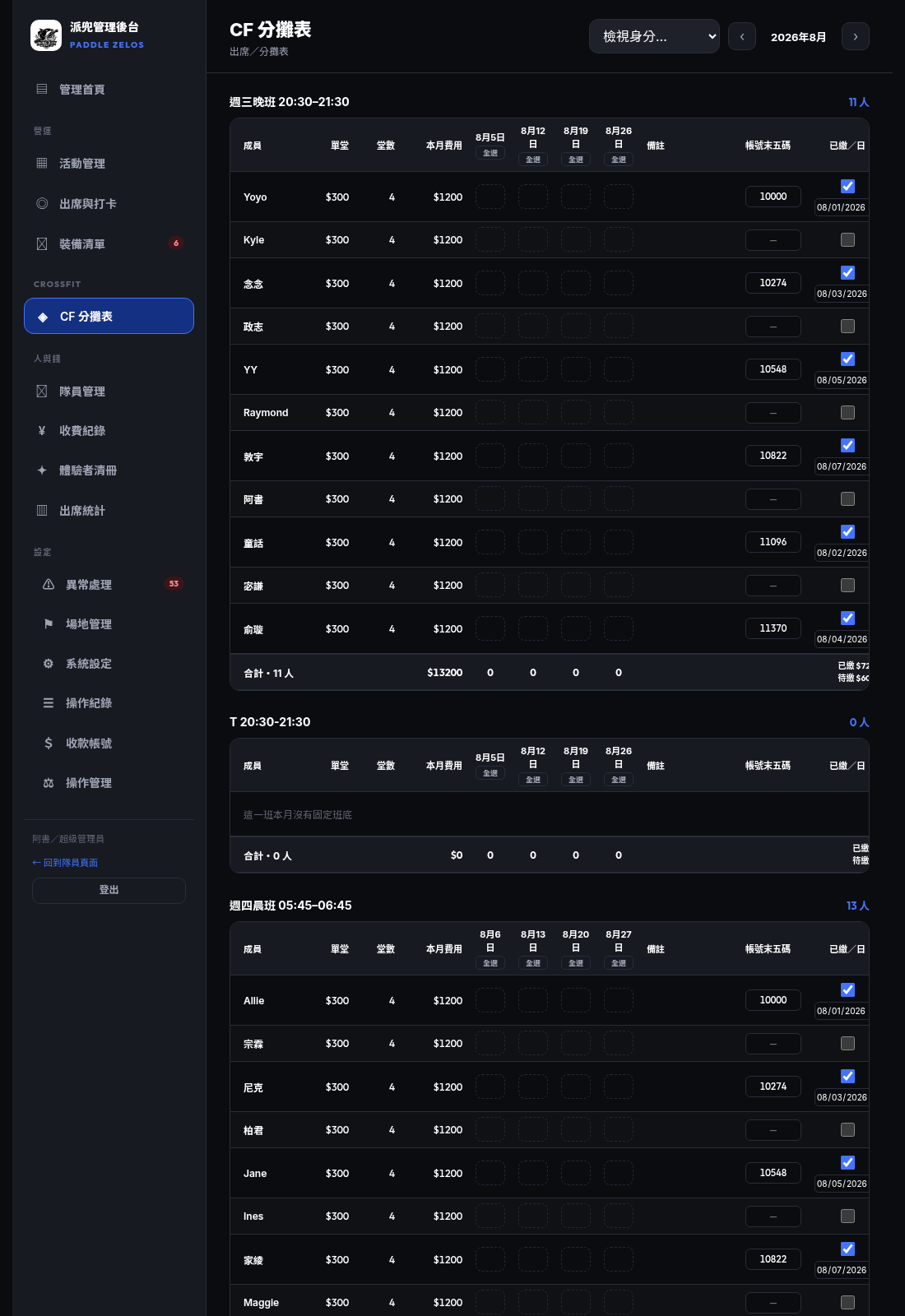
| 查看分攤表(唯讀) 行政與教練可看,不含金額合計。 | ✓ | — | ✓ | ✓ | ✓ | — |
| 編輯分攤表 CF 經理的工作;行政不可編輯。 | — | — | — | ✓ | ✓ | — |
| 編輯場地與定位範圍 | ✓ | — | — | — | ✓ | — |
| 調整系統規則(打卡時間窗、遲到緩衝) | ✓ | — | — | — | ✓ | — |
| 關閉 GPS 定位驗證 高風險:關閉後任何人都能在任何地點打卡。 | ✓ | — | — | — | ✓ | 必填 |
| 判定異常資料 | ✓ | — | ✓ | — | ✓ | — |
| 收費紀錄(隊費/報名費) 與 CF 繳費同一個權限,屬於行政。 | — | — | ✓ | ✓ | ✓ | — |
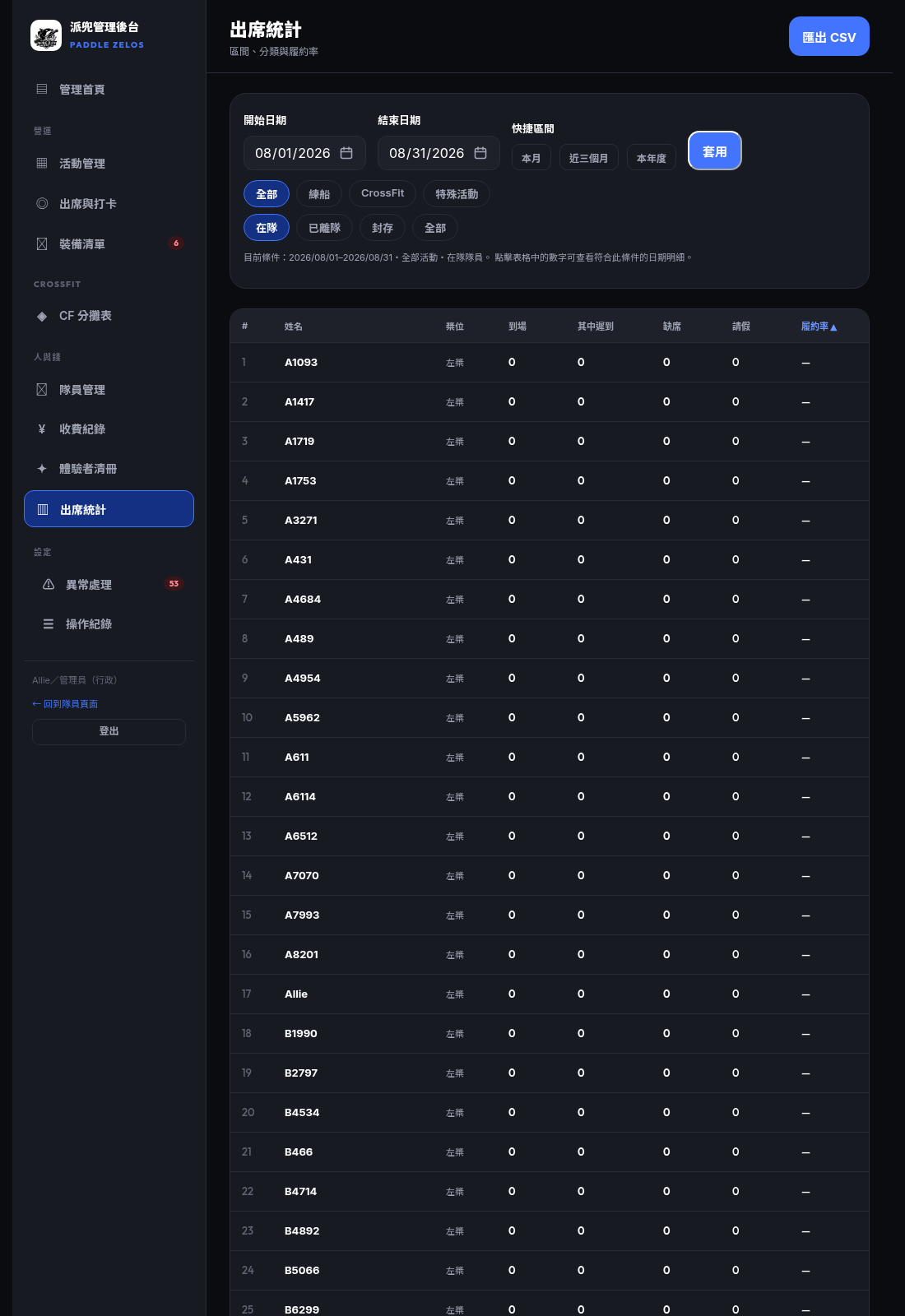
| 出席統計與 CSV 匯出 報表,屬於行政。 | — | — | ✓ | — | ✓ | — |
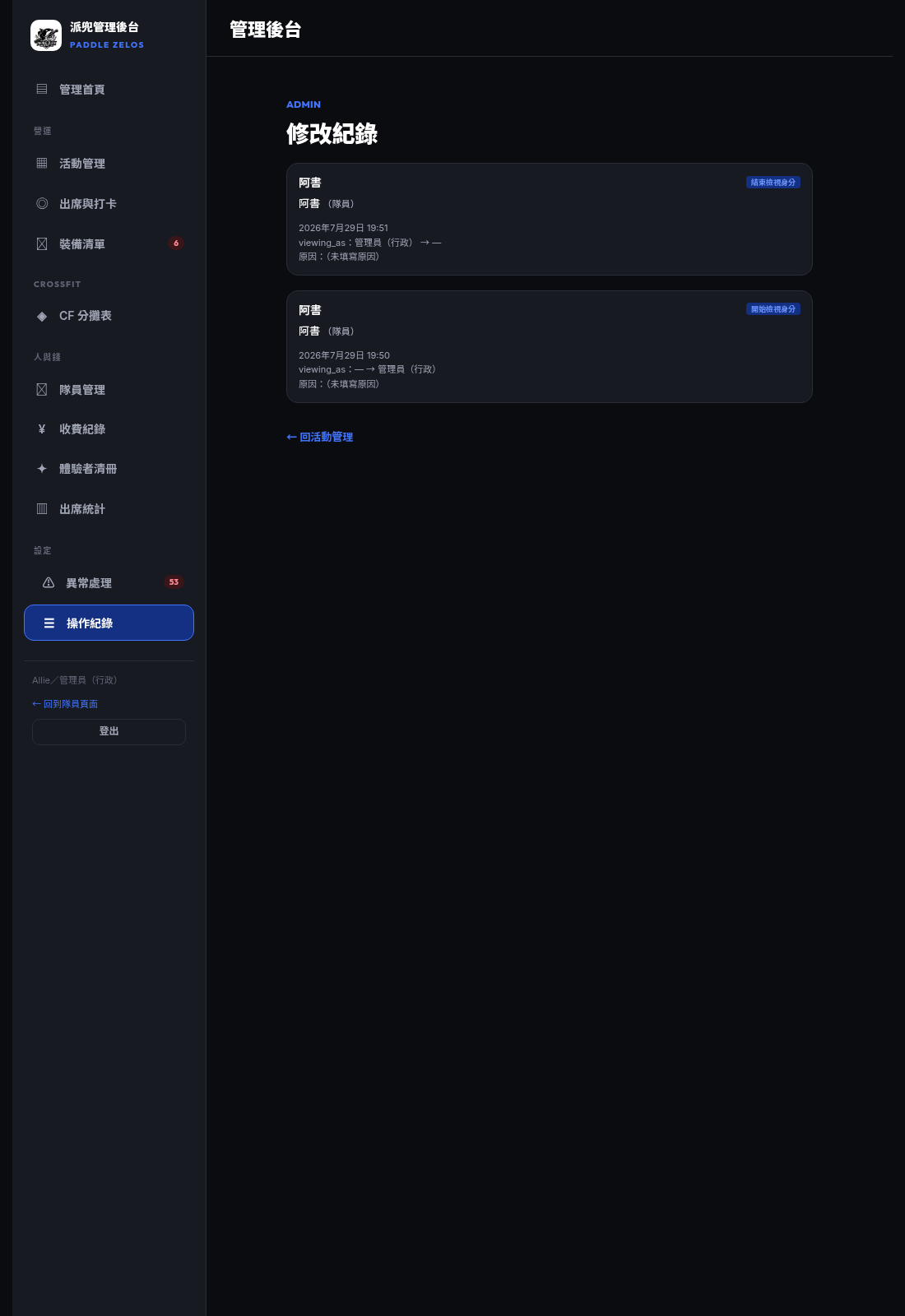
| 查看操作紀錄 | — | — | ✓ | — | ✓ | — |
| 管理收款帳號 決定隊員把錢匯到哪裡,錯一個數字不會報錯。 | — | — | — | — | ✓ | — |
| 檢視身分(view as) | — | — | — | — | ✓ | — |
| 查看本頁(操作管理) | — | — | — | — | ✓ | — |
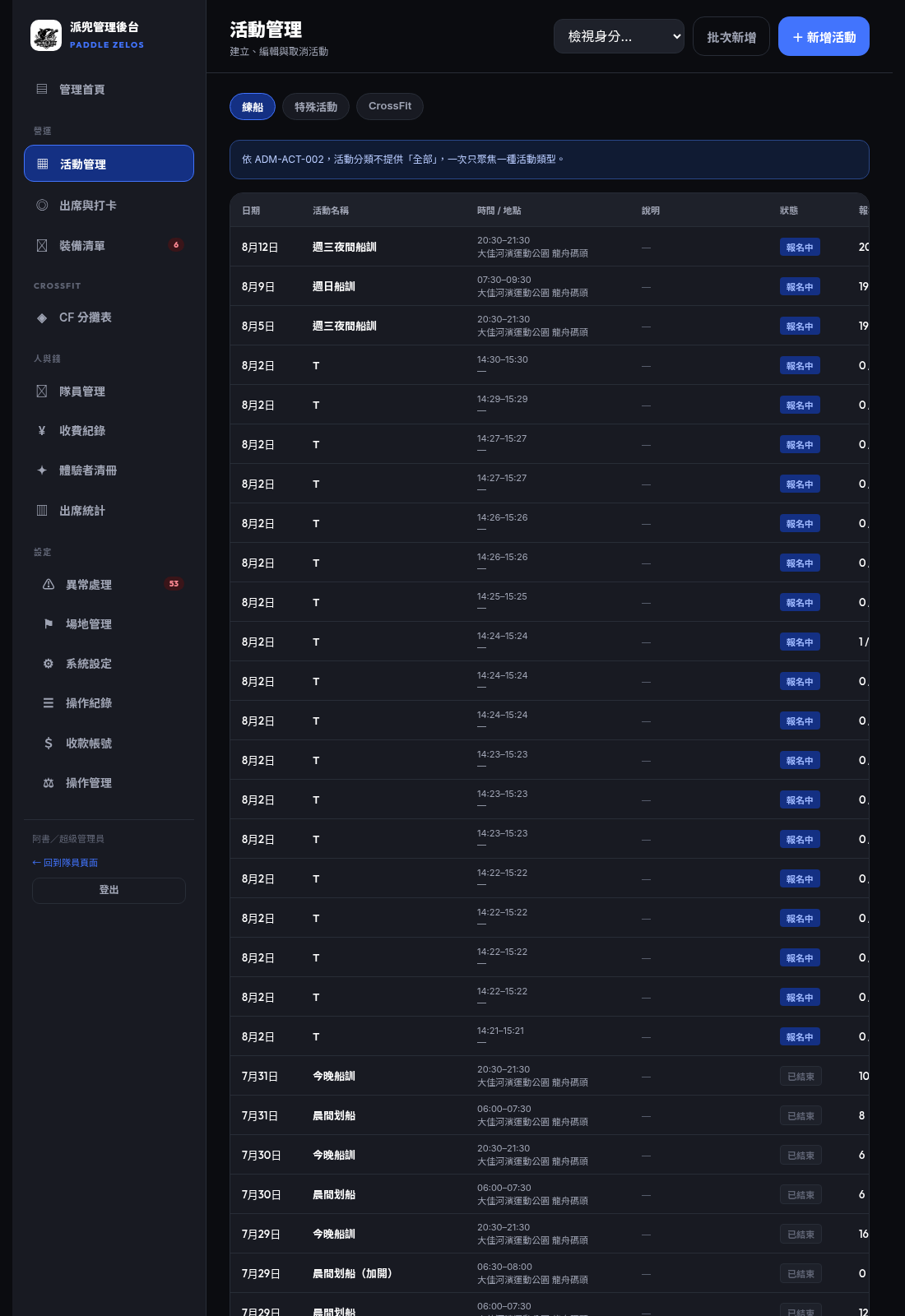
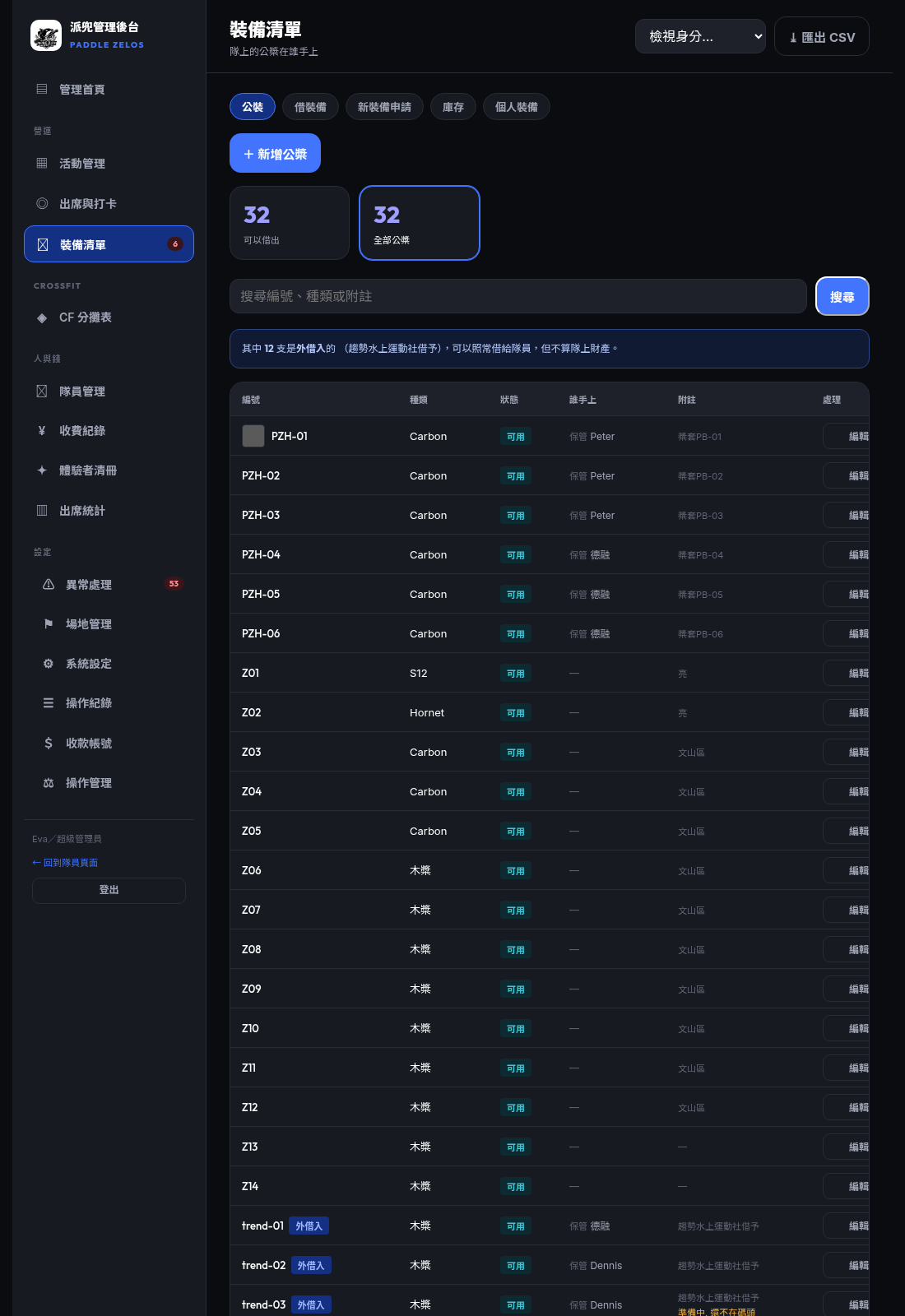
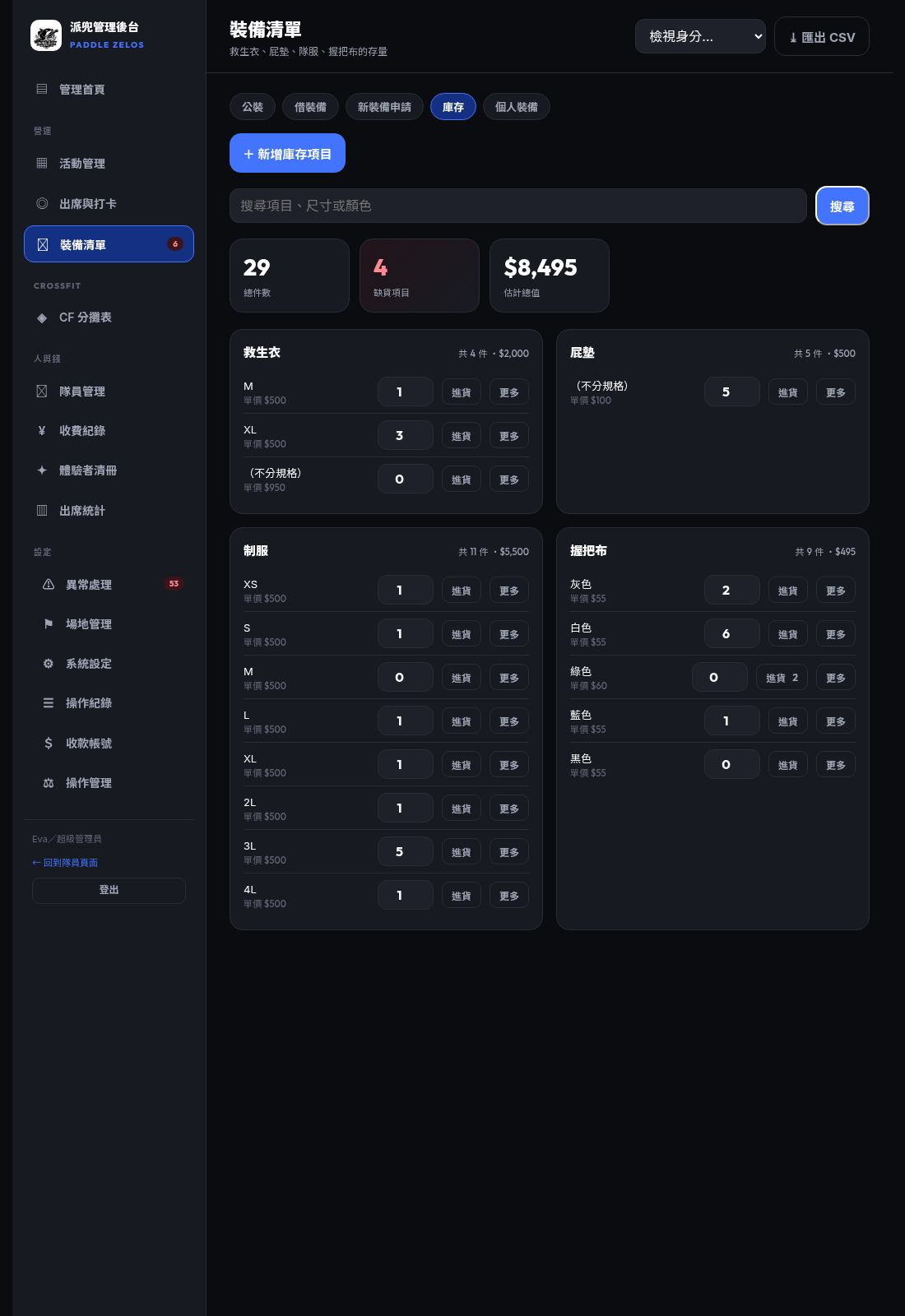
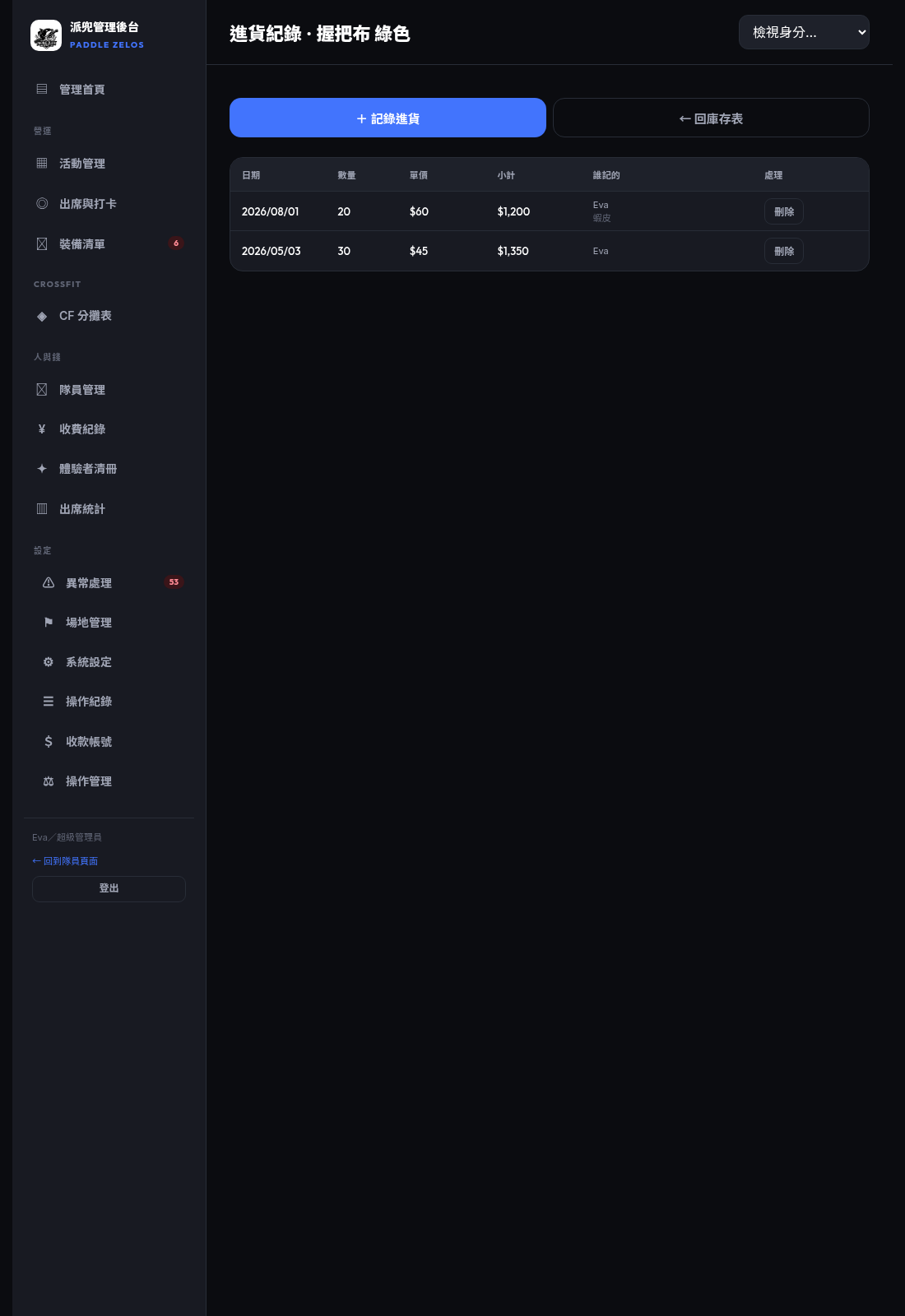
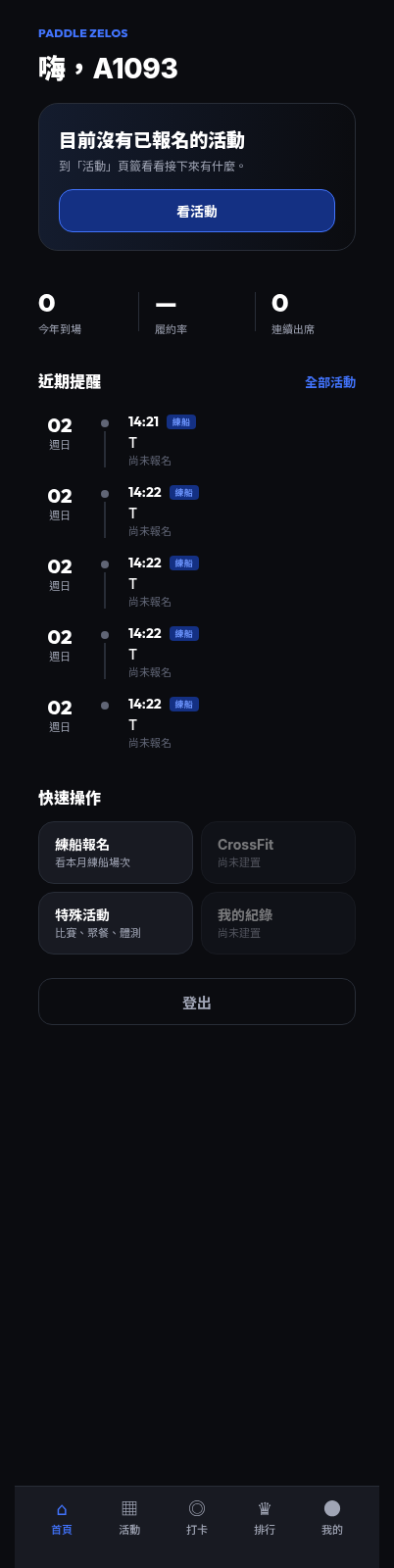
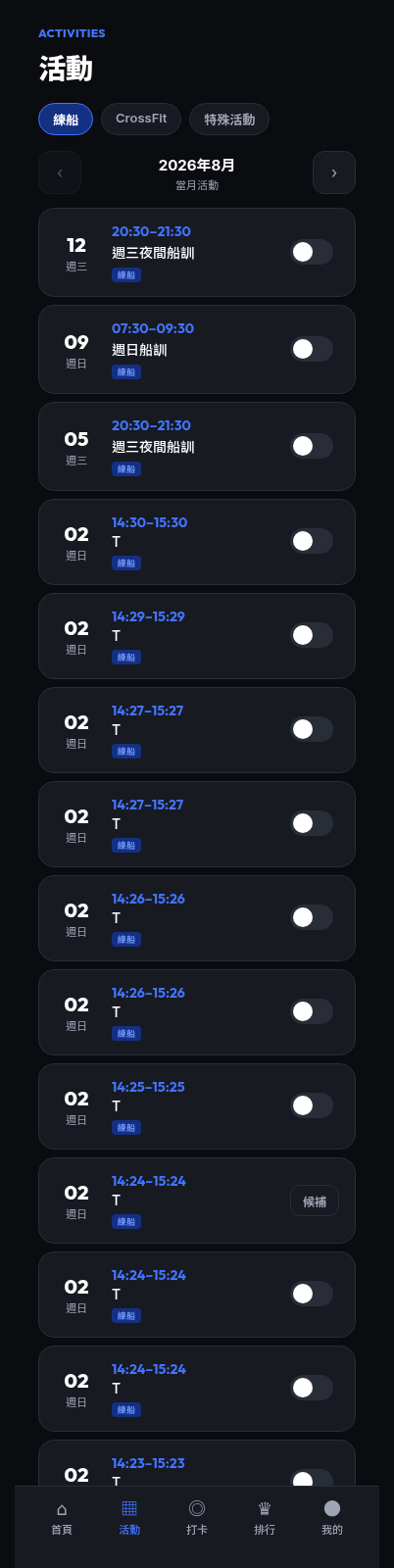
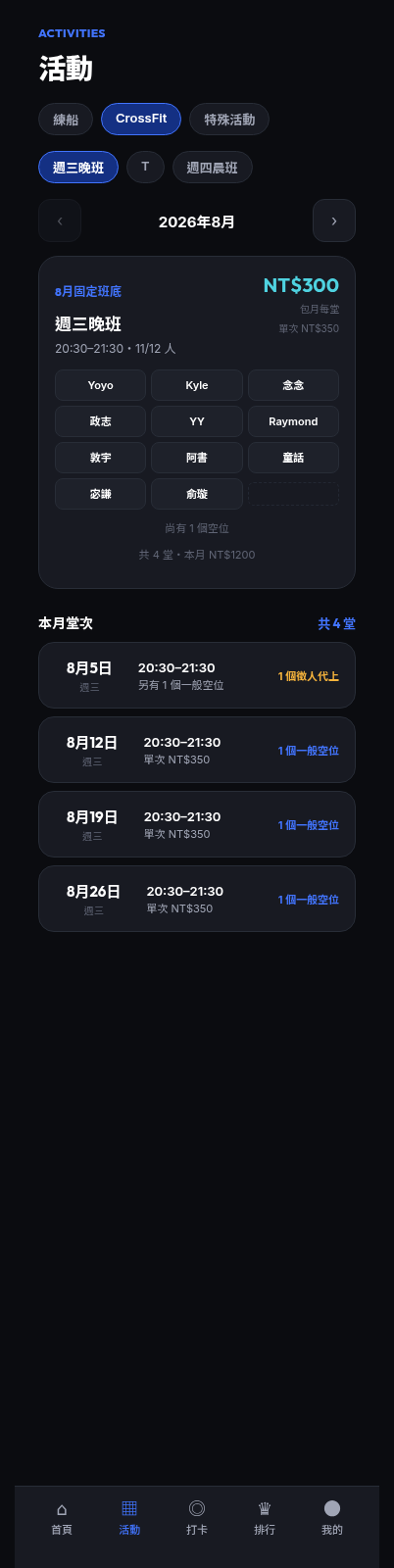
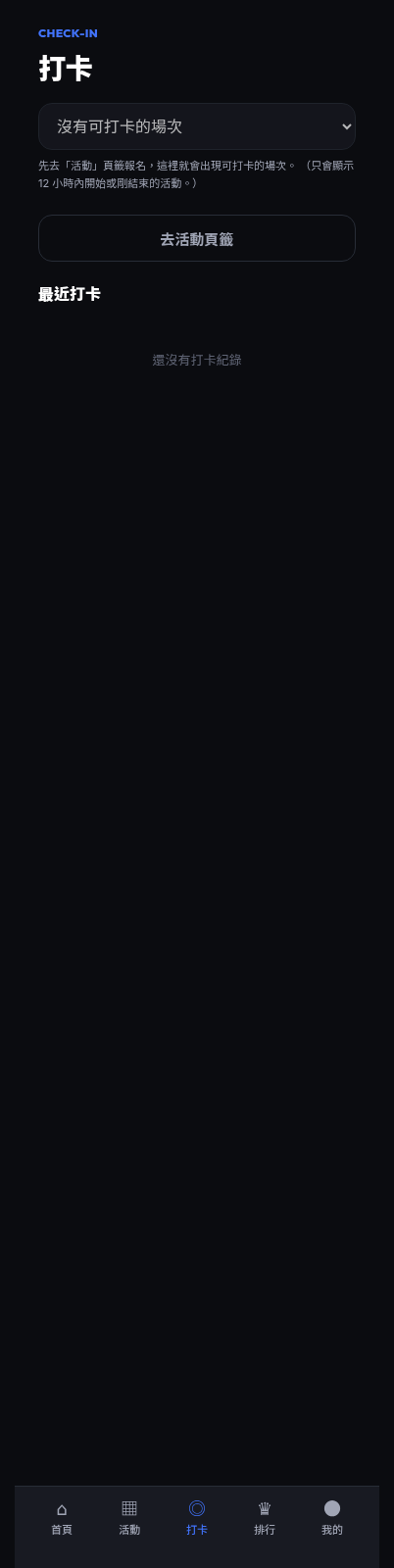
已知落差(不是你測出來的 bug)Known gaps — please do NOT report these as bugs
上一版的權限落差已經修好了。2026-07-27 那份檢查表列出「教練打得開操作紀錄、行政打得開場地管理」這類落差,來自 11 個後台頁面沒有自己的權限檢查。這在
The permission gap from the previous checklist is FIXED (
bd34eeb 已修正,本版重新確認過:後台每一頁都自己把關。所以現在權限表說不可以的,就應該真的打不開——如果打得開,那就是要回報的 bug。The permission gap from the previous checklist is FIXED (
bd34eeb, re-verified for this build). Every backstage screen now authorizes for itself, so anything the matrix denies must genuinely be refused — if it opens, that IS a bug worth reporting.這一版的截圖是 2026-08-01 重新拍的,對應 commit
The screenshots in this build were re-shot on 2026-08-01 against commit
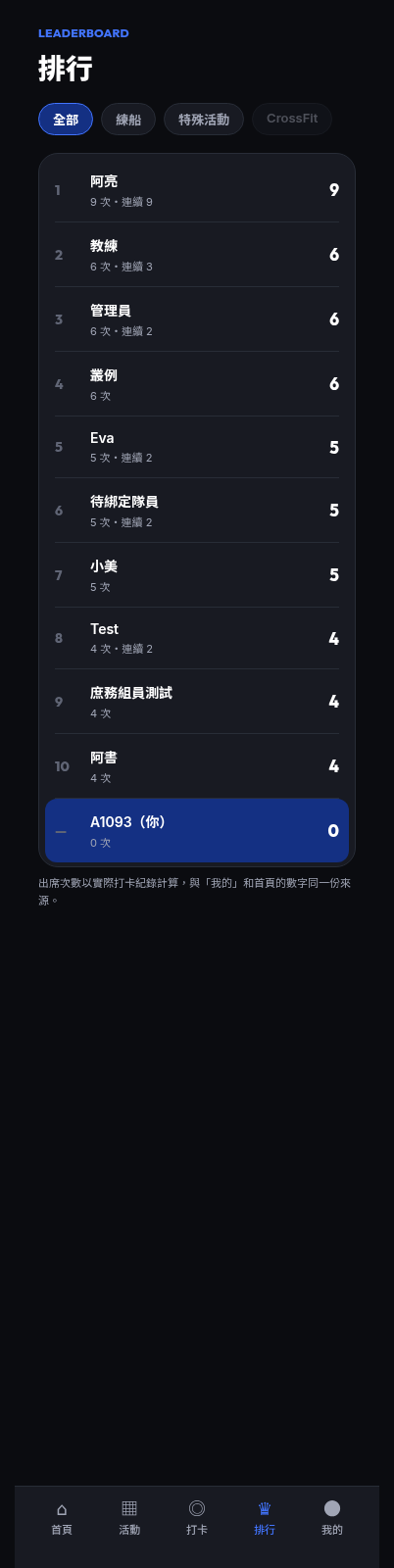
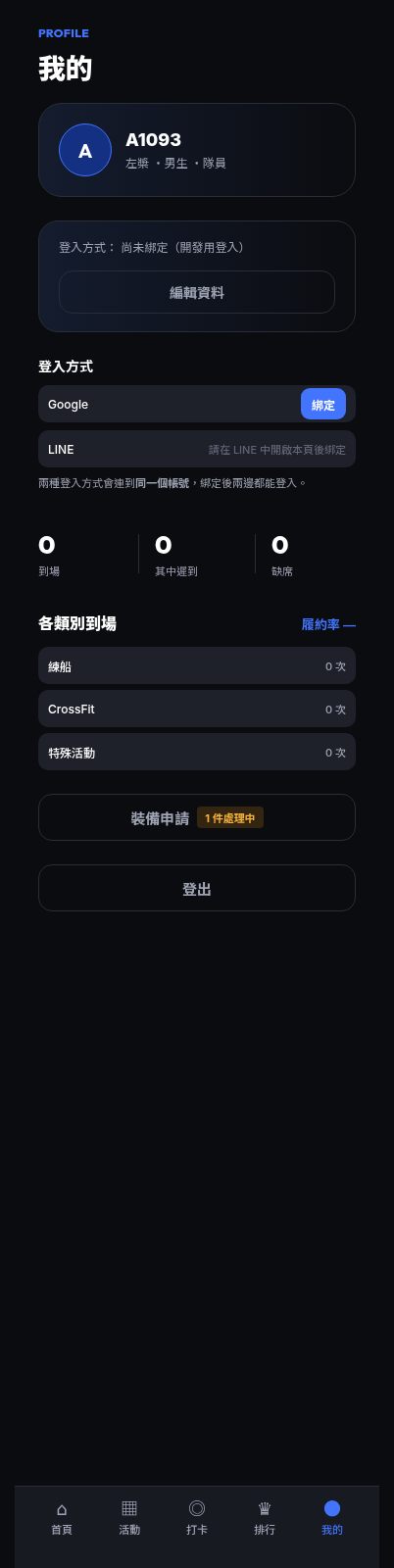
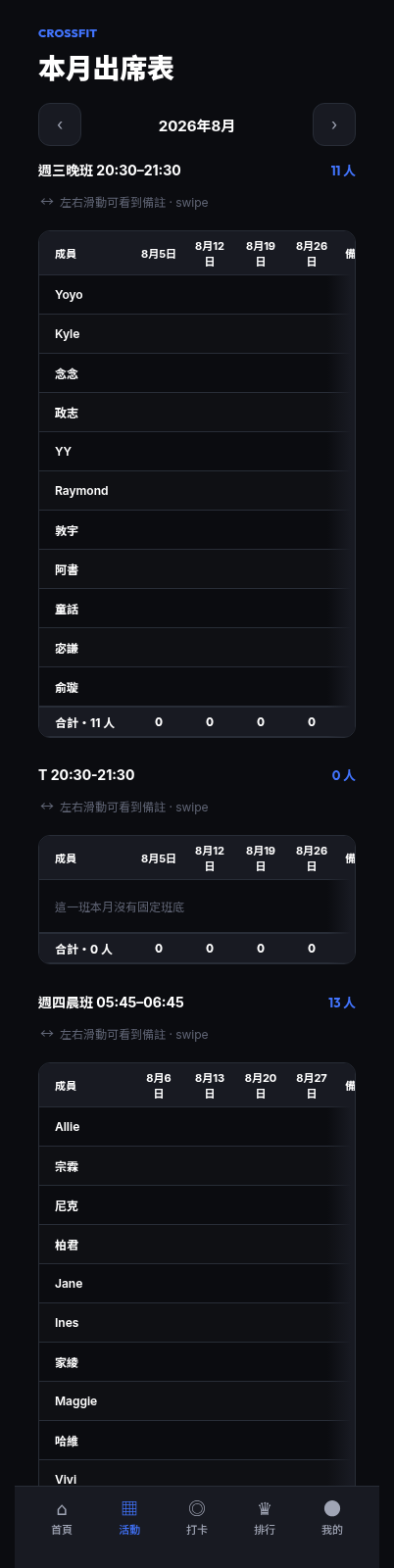
b0d281f,包含先前沒有截圖的畫面(裝備清單五個分頁、庫存)。截圖與現在畫面若有出入,以實際畫面為準。The screenshots in this build were re-shot on 2026-08-01 against commit
b0d281f, including screens that previously had none (the five 裝備清單 tabs and 庫存). Where a shot and the live screen disagree, the live screen wins.